 ScriptorumBuy for Windows
Visual novel writing software for Windows
See the whole story.
Write the next sentence.
Scriptorum brings visual story planning, character development, timelines, manuscript writing, and book export into one private desktop workspace built for long-form fiction.
- One-time purchase
- Local-first
- No required account
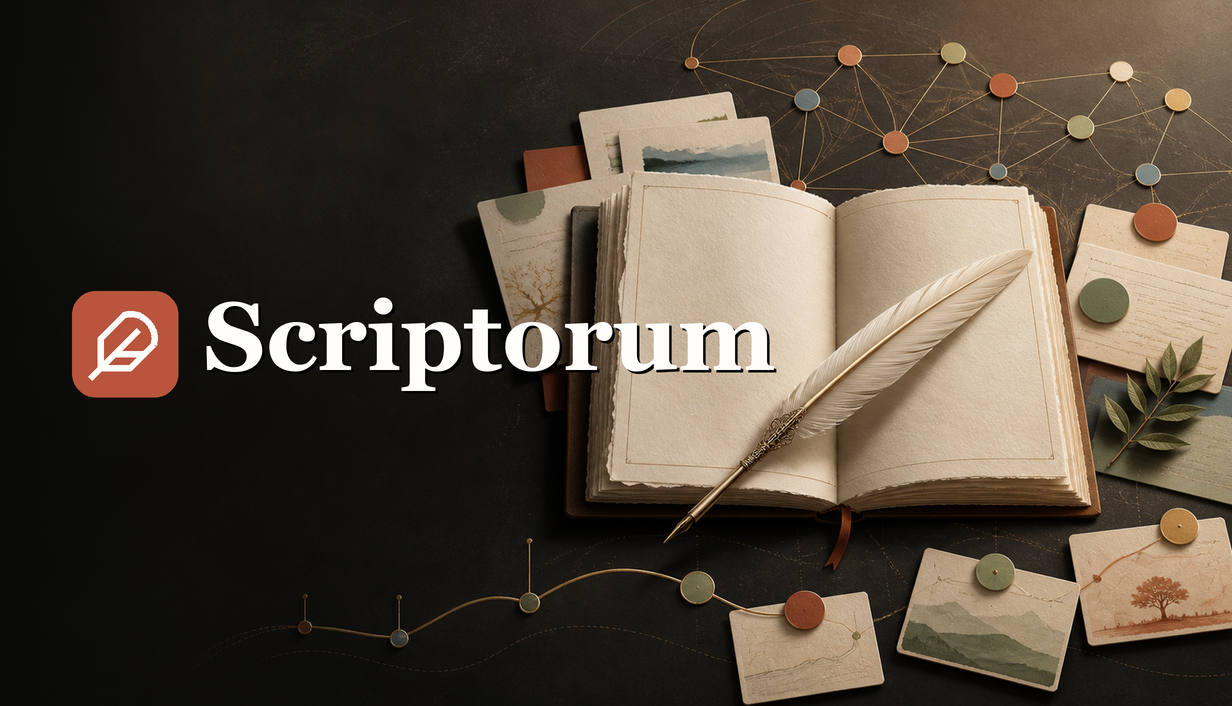
One workspace, one continuous story
Writing software should understand that a novel is more than a document.
A book begins as fragments: an image, a voice, a mystery, a relationship, a scene that has not found its chapter. Scriptorum keeps those pieces visible and connected until they become a finished manuscript.
Explore Scriptorum
Start with the part of writing that is difficult today.
Each guide explains a real part of the workflow in detail. Together, they form one connected novel-writing system.
Visual story planning
Arrange scenes, research, questions, images, and nested boards on a flexible canvas.
Read the guide →02Characters and relationships
Build detailed profiles and follow the connections between people, places, objects, and events.
Read the guide →03Manuscript writing
Draft chapters with rich text, goals, spellcheck, focus mode, and configurable shortcuts.
Read the guide →04Book export
Compile one manuscript into editable DOCX, print-ready PDF, and reflowable EPUB 3.
Read the guide →05Local-first privacy
Keep your manuscript on your computer without a required account, subscription, or cloud service.
Read the guide →06The complete novel workspace
See how planning, worldbuilding, drafting, and publishing stay connected from beginning to end.
Read the guide →Planning boards and story structure
Think spatially before you think sequentially.
Build freeform planning boards for scenes, research, questions, quotations, images, files, and nested ideas. Arrange the story in the shape that helps you understand it, then move into chapters when the structure is ready.
Explore visual story planning →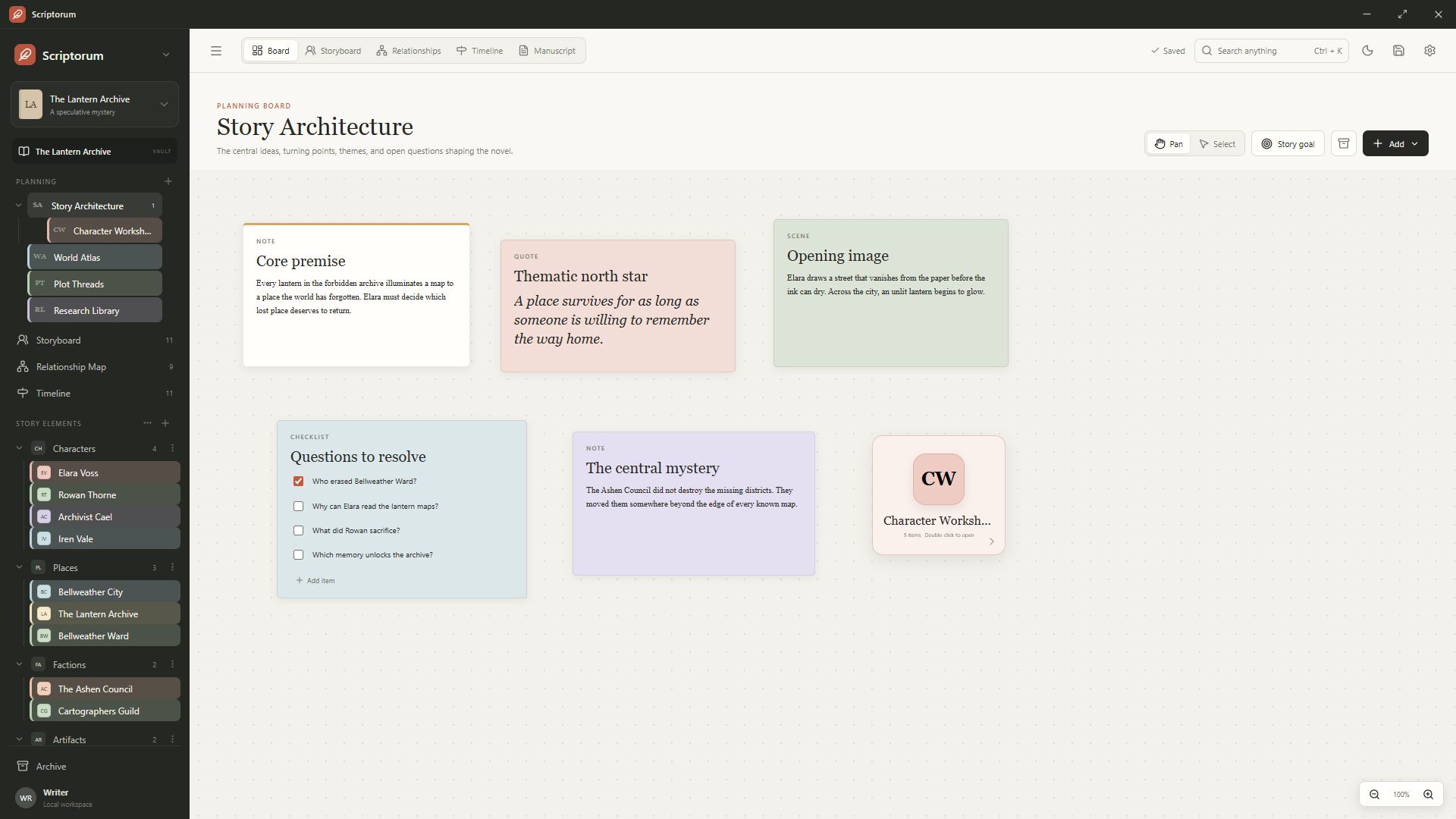
Characters, locations, and relationships
Follow every thread through the story.
Create the categories your world needs, develop detailed story-element profiles, and map how people, places, objects, events, and chapters affect one another. Connections remain attached to the things they describe.
Explore character development →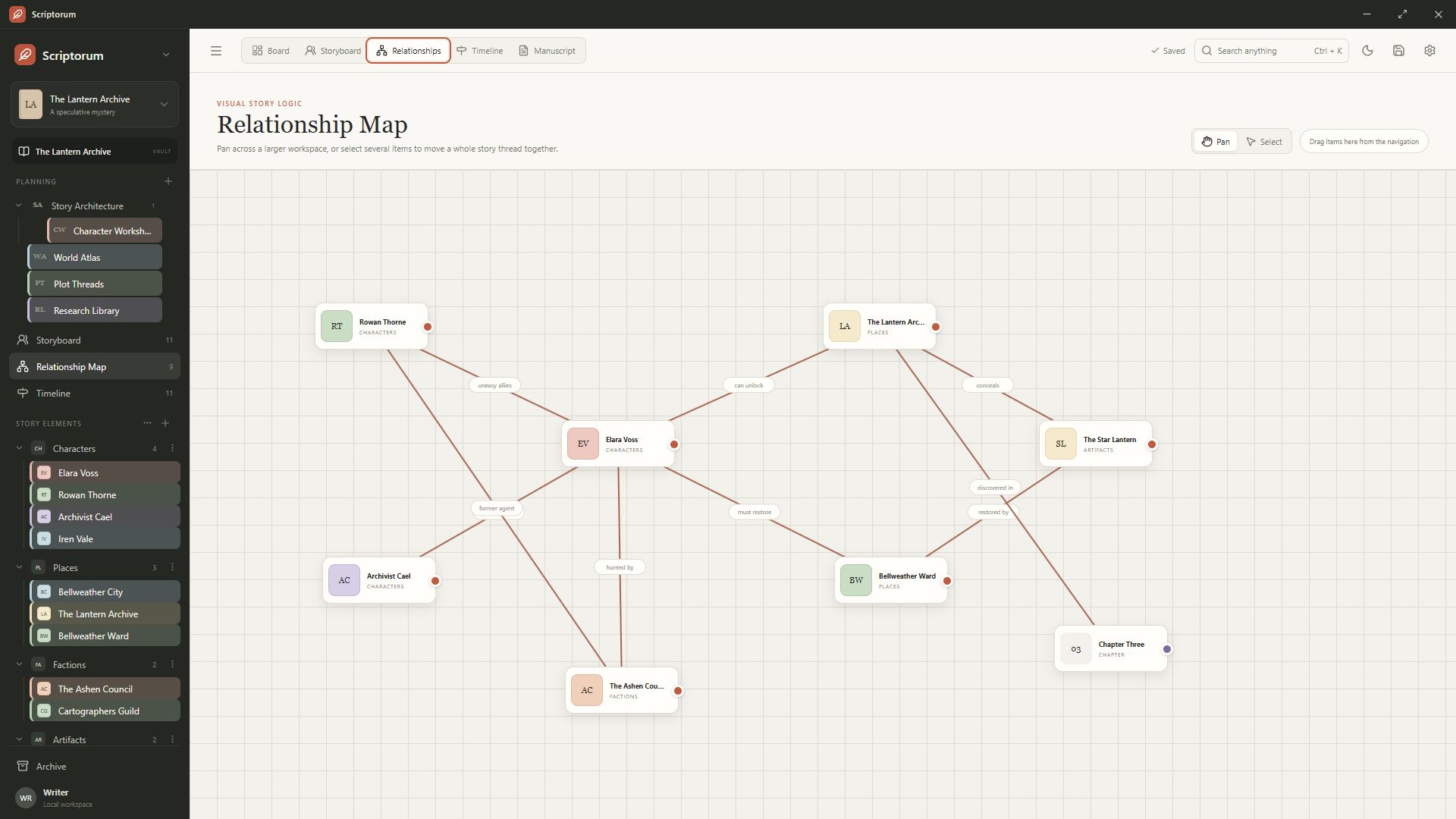
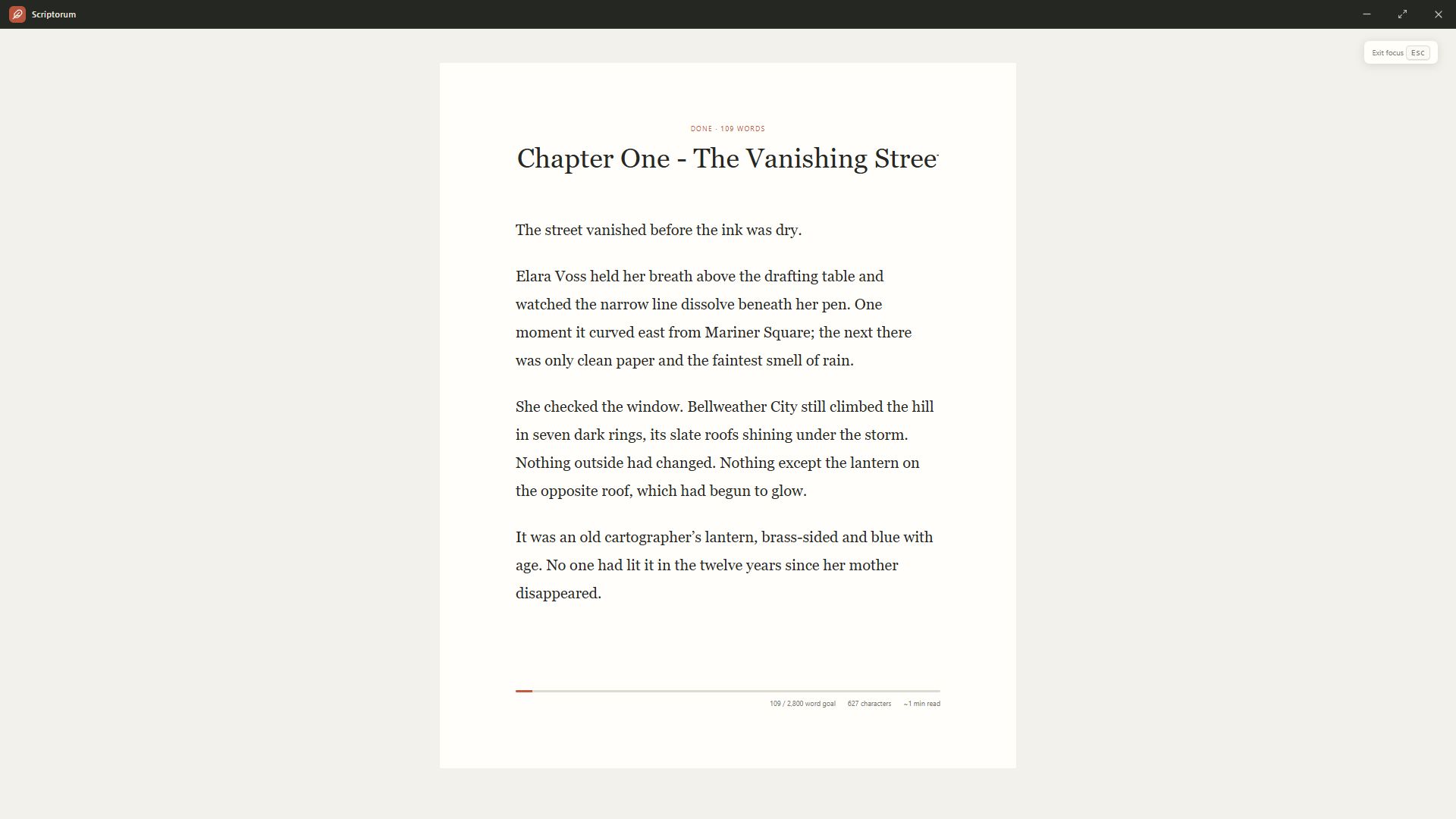
Manuscript writing
When you begin drafting, the planning gets out of the way.
Write and revise chapters with rich formatting, spellcheck, writing goals, configurable shortcuts, and focus mode. ProWritingAid Desktop Everywhere can recognize the manuscript editor when you want additional analysis.
Explore the manuscript editor →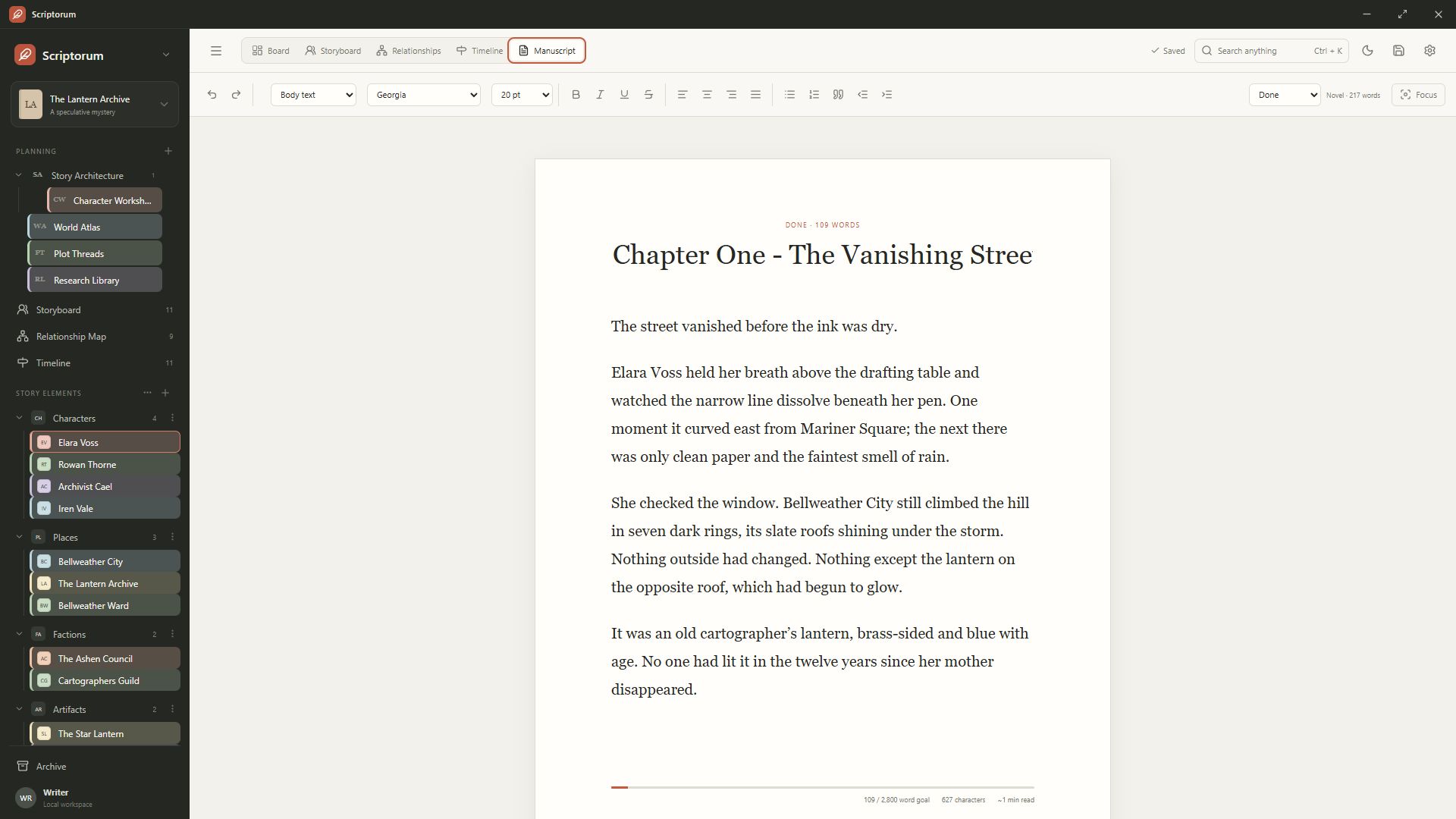
Compile once, then create the files your next stage requires.
Read about publishing exports →Local-first writing software
Your unfinished book is not a service subscription.
Your library lives on your computer. Choose the save location, keep your own backups, and continue writing offline. Scriptorum does not require an account or cloud connection for everyday use.
How local-first storage works →Questions from writers
Before you choose a writing workspace.
What kind of writing is Scriptorum designed for?
Scriptorum is designed for novels and other long-form fiction. It gives writers room to develop story structure, characters, relationships, timelines, research, chapters, and publication files in one workspace.
Can I use Scriptorum without an internet connection?
Yes. Your library and manuscripts are saved locally and normal writing does not require an internet connection. A connection is needed for purchase, activation, and software updates.
Is Scriptorum a subscription?
No. The standalone Windows edition is a one-time purchase with a perpetual license for up to three personal devices.
Which manuscript formats can Scriptorum export?
Scriptorum exports editable DOCX, print-oriented PDF, and standards-compliant reflowable EPUB 3 from one shared manuscript compile workflow.
Does Scriptorum work with ProWritingAid?
ProWritingAid Desktop Everywhere recognizes Scriptorum's rich-text manuscript editor, so writers can receive its overlay suggestions while drafting.
Can I write in languages other than English?
Yes. Manuscript content is not restricted by the interface language. Scriptorum also includes English, Spanish, Simplified Chinese, German, Italian, Japanese, and Korean interfaces.
Scriptorum for Windows
Build the world.
Write the book.
One private workspace for planning, drafting, and publishing long-form fiction.
15% off through September 30. Use on up to three personal Windows devices. No subscription.
Secure checkout. Your license and installer arrive by email.